
Runs entirely on your Mac
Dictation and meeting notes that never leave your Mac.
Speech recognition, speaker separation and summaries all run locally. No audio, no text, no transcript is sent anywhere.
macOS 27 · Apple Silicon · Free · Early access · Updates through Sparkle
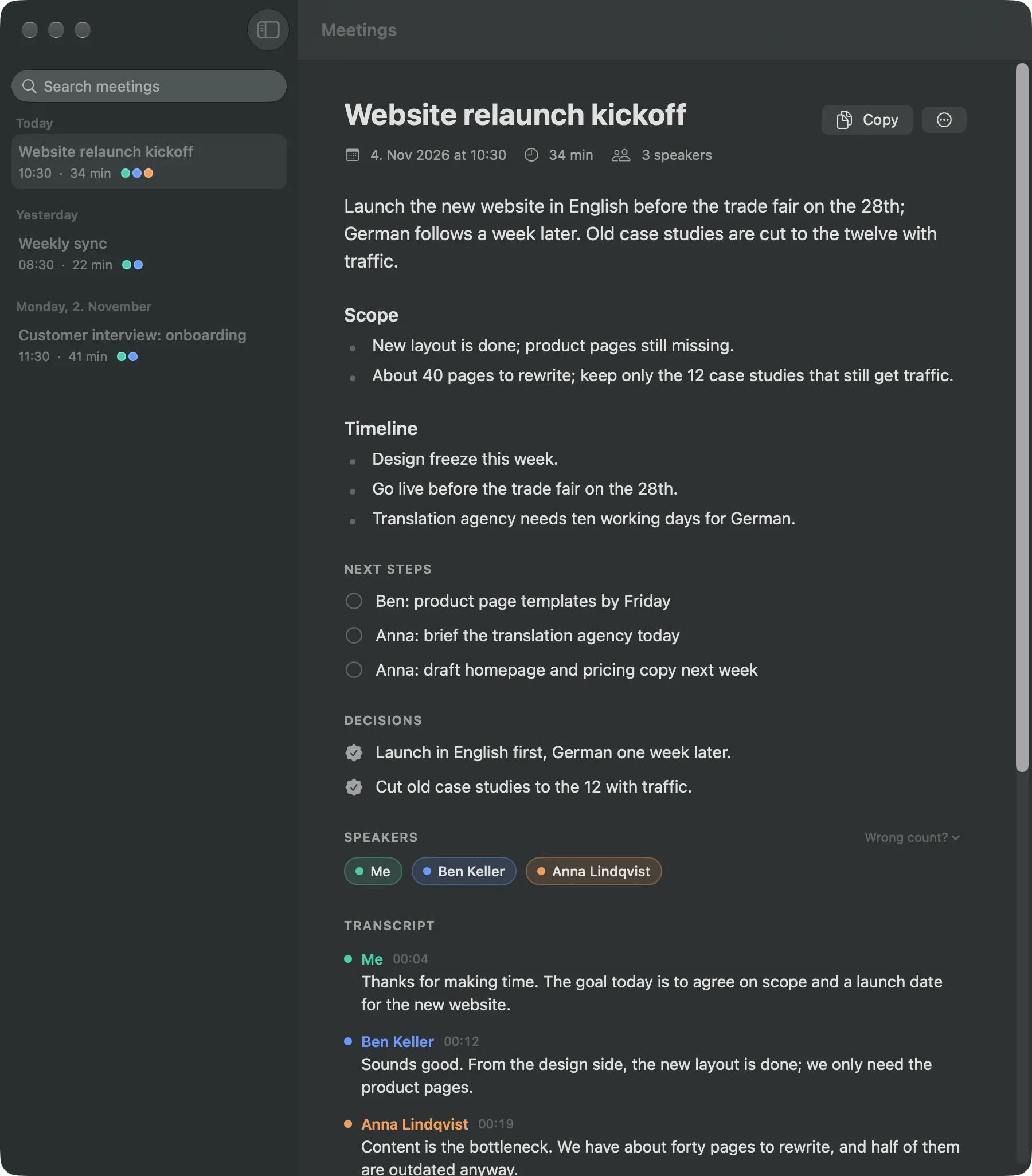
Private by design
Recognition on device
Parakeet or Apple's recognizer turn speech into text on your Mac, in the languages you speak.
Speakers on device
Who said what is worked out locally, then named from the call window, the invite or voices it has learned.
Summaries on device
A local language model writes topics, decisions and next steps. Nothing leaves the machine.
What it asks for, and why
macOS asks you for each of these once. Kronisto uses them only on your Mac. There are no accounts, no analytics and no cloud.
- Microphone
- To hear your voice when you dictate or record a meeting.
- Input Monitoring
- To notice when you hold the dictation key.
- Accessibility
- To type the text into the app you're using, and to read participant names from call windows.
- System Audio Recording
- To record the other side of a call. Asked at your first meeting.
- Calendars (optional)
- To link a recording to its event and use the title and attendees in the notes.
Dictation
Hold a key, talk, and the text lands where you were typing.
Hold the 🌐 key or your own shortcut. Double-tap for hands-free. Works in any app with a text field.
- Cleans up punctuation, filler words and self-corrections with a local model.
- Switched windows mid-sentence? The text goes back to the field you started in.
- Long dictations split into paragraphs where the subject changes.
- Vocabulary, replacements, snippets and a searchable history.
“so um the release is, no wait, the release notes still need a pass before Friday”
The release notes still need a pass before Friday.
Meetings
Join the call. Kronisto takes the notes.
It notices when a call starts in Zoom, Teams, Meet, Webex, Gong and others, links the recording to your calendar, and hands you a summary when you hang up. Small talk stays out.
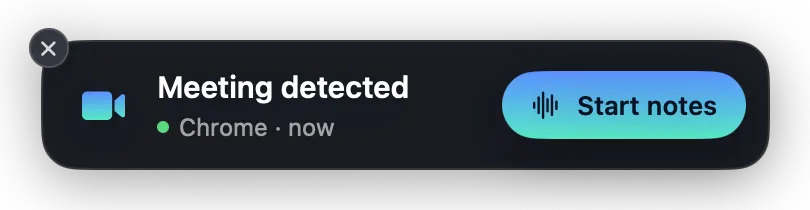
A call starts
A small card offers to take notes. One click and it records your mic and the call audio separately.
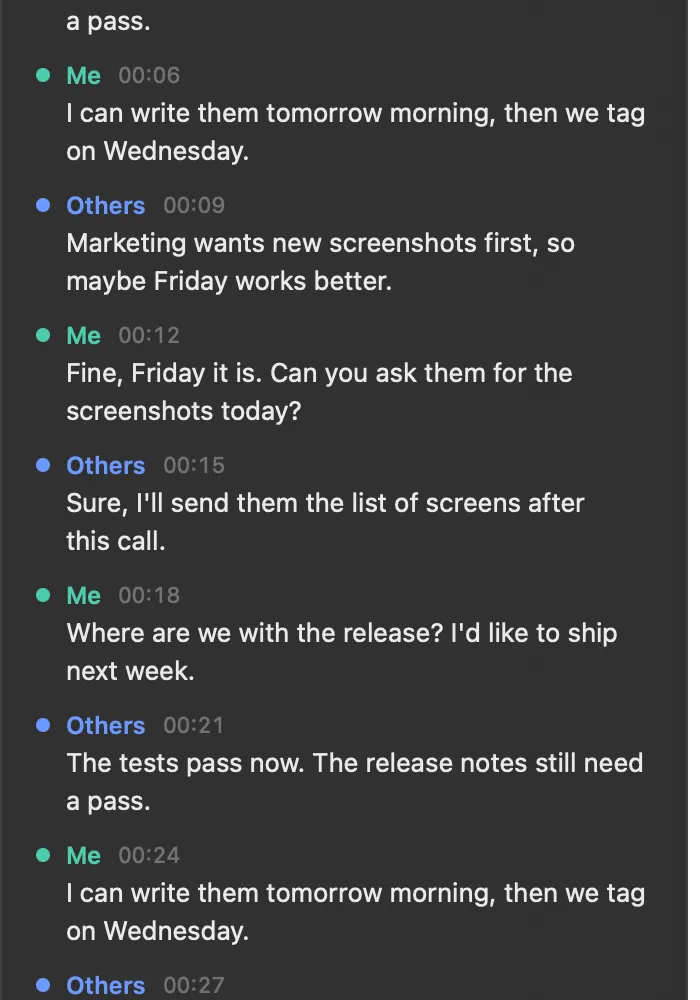
Live transcript
Speakers are separated as you talk, with a notepad docked next to the call.
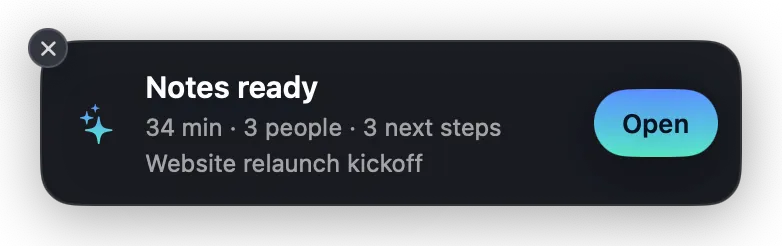
Notes are ready
Topics, decisions and next steps with owners, plus the full transcript to search later.
Bigger model, better names
Optional Gemma 4 26B fixes misheard names and terms and writes sharper summaries. Best with 32 GB of memory.
Never records forever
After 3 minutes of silence it asks “still recording?”, so a forgotten recording stops itself.
Import any recording
Drop an audio or video file on the Meetings window and get the same notes.
Obsidian and MCP
Export notes to Obsidian, and let AI apps read your meetings over MCP if you opt in.
What you need
The models download on first use and stay on your Mac.
- System
- macOS 27 on Apple Silicon
- Disk
- About 6 GB for Parakeet (~600 MB) and Gemma 4 E4B (5.2 GB)
- Memory
- 32 GB recommended for the optional Gemma 4 26B model (14 GB)
- Languages
- Many, auto-detected among the ones you speak
Your words stay yours.
Download for macOSUnzip, move Kronisto.app to Applications. Updates arrive automatically.
Kronisto is free and in early access: it changes quickly, and rough edges are expected.